Zujoki
Zujoki
Rewards & Ranks
LoginLogin
Zujoki

Play free online games on Zujoki with zero downloads. Enjoy popular browser games across action, racing, puzzle, and multiplayer categories on PC, tablet, and mobile.

⚡ Instant Play📱 Mobile Ready🎮 No Installation

Popular Categories

  • Action Games
  • Car & Racing Games
  • Puzzle & Brain Games
  • Multiplayer Games
  • Arcade Games
  • Sports Games

Platform Links

  • Browse Games
  • Blog & News
  • Puzzle
  • Contact Us
  • Privacy Policy

About Zujoki

Zujoki is a free browser gaming hub delivering high-performance web games for gamers of all ages. Safe, fast, and unblocked on all modern web browsers.

© 2026 Zujoki. All rights reserved.

All games and trademarks belong to their respective creators.

HomeRecently playedNewPopular gamesUpdatedOriginals

Categories

  • All games18
  • 3d6
  • Action9
  • Adventure1
  • Arcade9
  • Army0
  • Battle1
  • Battle royale0
  • Bike1
  • Biker0
  • Block0
  • Board2
  • Car3
  • Cars0
  • Casual9
  • Challenge0
  • Chess1
  • Coins0
  • Color0
  • Competition0
  • Crafting0
  • Crazy0
  • Creative0
  • Creativity0
  • Drift1
  • Drive0
  • Driving3
  • Endless runner2
  • Fighting1
  • Flight1
  • Fps1
  • Fun0
  • Html50
  • Idle1
  • Io2
  • Kids0
  • Ludo0
  • Management1
  • Matching1
  • Math0
  • Moto0
  • Multiplayer4
  • Neon0
  • Physics3
  • Platformer1
  • Puzzle4
  • Racing3
  • Runner3
  • Running0
  • Sci‑fi0
  • Shooter2
  • Simulation2
  • Skill5
  • Skills0
  • Sport0
  • Sports0
  • Stickman1
  • Strategy4
  • Stunt1
  • Task0
  • Territory0
  • Thinking2
  • Traffic0
  • Troll0
  • Uno0

Community

Menu

View style

HomeRecently playedNewPopular gamesUpdatedOriginals

Categories

  • All games18
  • 3d6
  • Action9
  • Adventure1
  • Arcade9
  • Army0
  • Battle1
  • Battle royale0
  • Bike1
  • Biker0
  • Block0
  • Board2
  • Car3
  • Cars0
  • Casual9
  • Challenge0
  • Chess1
  • Coins0
  • Color0
  • Competition0
  • Crafting0
  • Crazy0
  • Creative0
  • Creativity0
  • Drift1
  • Drive0
  • Driving3
  • Endless runner2
  • Fighting1
  • Flight1
  • Fps1
  • Fun0
  • Html50
  • Idle1
  • Io2
  • Kids0
  • Ludo0
  • Management1
  • Matching1
  • Math0
  • Moto0
  • Multiplayer4
  • Neon0
  • Physics3
  • Platformer1
  • Puzzle4
  • Racing3
  • Runner3
  • Running0
  • Sci‑fi0
  • Shooter2
  • Simulation2
  • Skill5
  • Skills0
  • Sport0
  • Sports0
  • Stickman1
  • Strategy4
  • Stunt1
  • Task0
  • Territory0
  • Thinking2
  • Traffic0
  • Troll0
  • Uno0

Community

HomePuzzleBlocky Blast Puzzle
No Zujoki ads
Puzzle
Matching
Casual
Thinking
Arcade

Blocky Blast Puzzle

Blocky Blast Puzzle

Blocky Blast Puzzle

Click below to start playing instantly in your browser

🔑 Log in to earn Score & Coins!

About Blocky Blast Puzzle

Developed by OPlay Games

Game Description

About Blocky Blast Puzzle Online

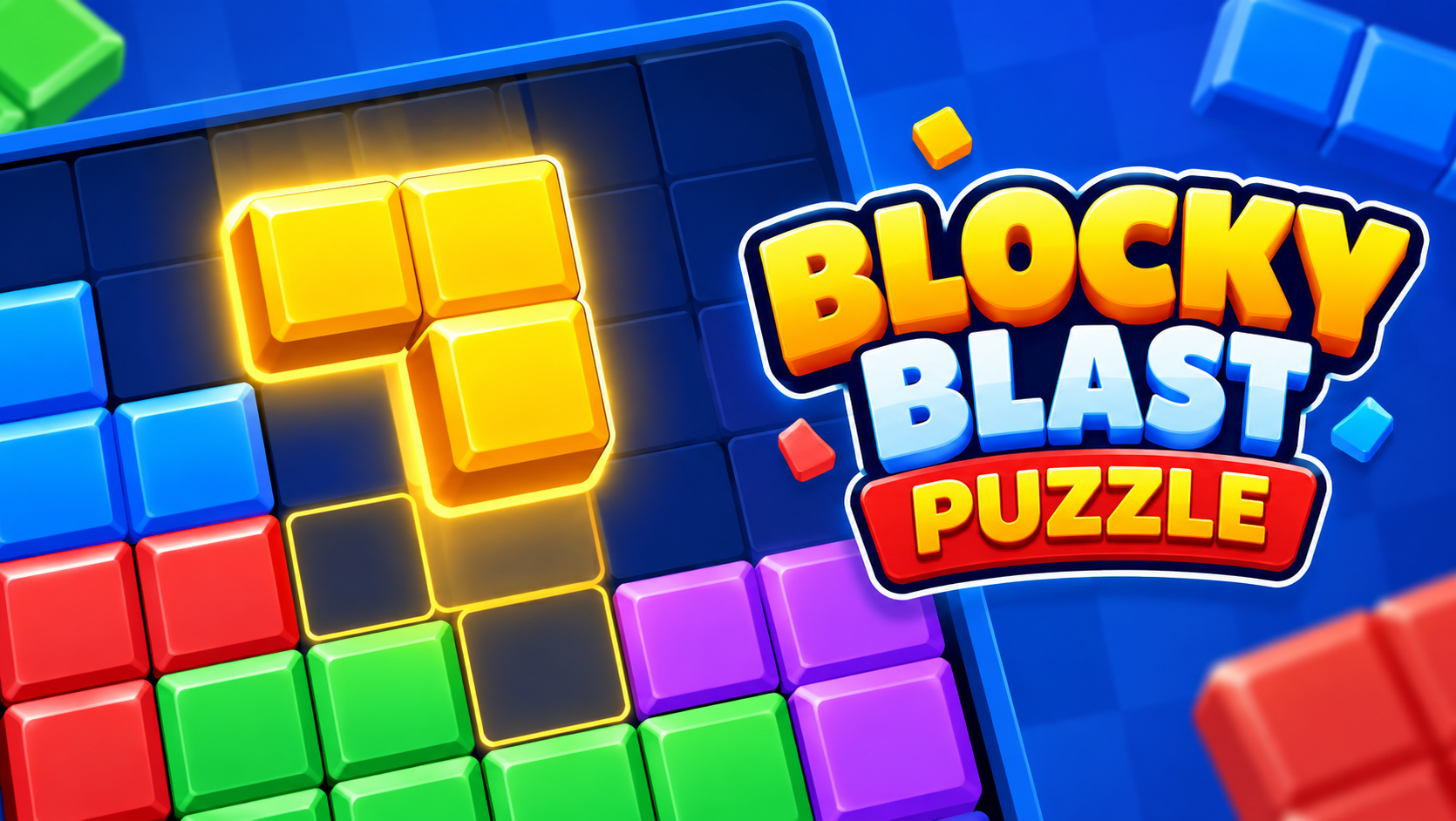
Blocky Blast Puzzle is a colorful grid-based puzzle challenge where players fit geometric block shapes onto a board to clear full horizontal rows and vertical columns. Playable on Zujoki's free browser games platform, this brain-teasing title provides immediate cognitive entertainment with zero downloads or installations. Part of our curated relaxing puzzle games collection, Blocky Blast Puzzle blends the satisfying logic of classic tile-matching with modern arcade conveniences across desktop computers, laptops, tablets, and smartphones.

Unlike timer-based puzzles that pressure you with clocks, Blocky Blast Puzzle emphasizes tactical foresight. You receive three block shapes per turn, and all three must be placed before a new set appears. Because each placement changes the grid, an impulsive move made early can leave you with no room for larger shapes later. This balance between quick clears and sustained board flexibility creates an addictive loop that appeals to casual players and competitive puzzle enthusiasts alike.

What Is Blocky Blast Puzzle? Gameplay and Origins

Created by developer OPlay Games, Blocky Blast Puzzle modernizes the beloved block-puzzle format for web browser players. Built with responsive HTML5 technology, the game loads instantly, delivering bright jewel-toned visuals, smooth drag-and-drop animations, and satisfying particle bursts as completed lines disappear.

The core concept is elegantly simple: place blocks, form solid lines, clear space, and prevent the board from filling up. Yet behind this accessible design lies genuine strategic depth. Because pieces cannot be rotated, players must develop sharp spatial awareness, predicting how static tetrominoes, single tiles, and long beams interact with open cells. The experience turns every empty corner into a calculating contest against your own planning.

Core Objective and Line-Clearing Mechanics

The main objective is to manage board real estate while clearing as many rows and columns as possible. The board consists of an open grid where you deposit multi-block shapes. Whenever an entire horizontal row or vertical column becomes completely filled, that line clears immediately, vanishing to restore open territory.

Line clearing awards base points and creates vital breathing room for incoming pieces. A crowded grid quickly restricts options; one well-timed double clear can revive an endangered run by opening critical space. Scoring is tied to clearing efficiency. Standard clears award steady points, while simultaneous multi-line clears—such as finishing a row and column with a single block—award large combo bonuses.

Controls and Device Support

Blocky Blast Puzzle features an intuitive control scheme that requires zero tutorial time to grasp across supported hardware configurations.

Desktop PC & Laptop Controls

  • Left Mouse Click & Hold: Select any of the three available block shapes in the tray.
  • Mouse Drag: Drag the selected block piece onto your intended board grid coordinates.
  • Release Left Click: Drop the block into place to lock it onto the grid.
  • Save Tray Click: Drag an awkward piece into the Save slot to hold it for future turns.

Mobile & Tablet Touch Controls

  • Finger Tap & Hold: Press and hold a block shape in the bottom tray.
  • Finger Drag: Slide your finger across the touchscreen to guide the piece over the board.
  • Finger Lift: Release your touch to drop the block onto highlighted grid cells.
  • Tap Save Button: Transfer a difficult shape into the reserve pocket with a tap.

Game Modes: Classic Mode vs Adventure Mode

Blocky Blast Puzzle caters to different play styles through two distinct gameplay modes:

Classic Mode: The pure, endless spatial survival experience. There are no timers or predetermined stages. Your goal is simply to keep the board playable as long as possible while chasing personal high scores. The game provides random trios of blocks, testing your discipline as space tightens. Classic Mode is perfect for relaxing mental workouts and long-term score runs.

Adventure Mode: In contrast to endless score chasing, Adventure Mode features curated objective stages. Levels introduce trapped red and blue gems entombed inside frozen blocks. Your goal shifts from score survival to targeted demolition: you must plan line clears around gem coordinates to shatter surrounding blocks and collect the jewels before moves run out. This goal-oriented design requires adapting your placements to unlock level objectives.

Combos, Multipliers, and Advanced Scoring

Achieving top scores requires mastering the combo multiplier system. A combo builds when you clear lines on consecutive block placements. Instead of placing three blocks quietly and clearing a line on the fourth, skilled players arrange pieces so that block one clears a row, block two clears a column, and block three triggers another line.

Each consecutive clear escalates the combo multiplier, compounding points awarded for subsequent removals. Much like calculating moves ahead in tactical board games such as Master Chess or managing layouts in classic arcade games, maintaining a combo chain demands planning several turns in advance. However, aggressive combo chasing brings risks. Forcing an awkward shape into an unstable spot solely to keep a combo alive can clog central territory and end a run early.

Strategic Utilities: Save, Skip, and Revive Features

To offset difficult block selections, Blocky Blast Puzzle equips players with three helpful strategic utilities:

  • The Save Feature: A vital lifesaver. If an awkward 3x3 block appears when your board has no matching space, drag that piece into the Save slot. Holding the piece keeps your board uncluttered until clears open up space.
  • The Skip Utility: When all three shapes in your tray clash with your layout, the Skip option refreshes your tray with three fresh shapes without penalizing your board.
  • The Revive Option: When a run concludes, players can occasionally use a revive opportunity to clear out a block cluster and resume their run.

Step-by-Step Pro Strategies and Placement Tips

Elevate your scores by following these eight essential pro guidelines:

  1. Evaluate All Three Blocks First: Never place the first block without checking the other two. An easy spot for piece one can destroy the only spot for piece three. Plan a sequence for all three shapes before committing.
  2. Preserve Open Center Real Estate: The center connects to multiple horizontal and vertical clear paths. Avoid building dense clusters in middle cells; build along edges and work inward.
  3. Avoid Isolated Single-Cell Gaps: Leaving single, surrounded empty cells creates dead zones. Single-cell blocks are rare, meaning isolated holes often remain empty for turns.
  4. Prepare Dual-Direction Clears: Lay foundations that allow a single piece to finish both a horizontal row and vertical column simultaneously. Cross-clears restore big open areas and grant combo bonuses.
  5. Reserve Space for the 3x3 Mega Block: The most dangerous piece is the giant 3x3 block. Keep at least one nine-cell pocket open so a sudden 3x3 piece does not end your run.
  6. Use the Save Slot Strategically: Do not wait until you are stuck to save a piece. If you receive a versatile single tile or small square, saving it early keeps an emergency solver ready.
  7. Prioritize Space Over Quick Points: An immediate clear that leaves the rest of the board cluttered is rarely worth it. Choose moves that maintain open connectivity.
  8. Adapt Tactics by Game Mode: In Classic Mode, board cleanliness is everything. In Adventure Mode, sacrifice clean lines if a move directly frees target gem chambers.

Common Mistakes and Tactical Fixes

Many runs end due to simple oversights. Avoid these common mistakes:

  • Tunnel Vision on One Row: Focusing on one line while ignoring adjacent columns filling up. Fix: Alternate your attention between rows and columns after each move.
  • Hoarding Shapes in Save: Keeping a piece in the Save slot forever without working to fit it. Fix: Use your next clears specifically to create room for the saved piece.
  • Clustering in One Corner: Shoving blocks into one corner creates steep walls that block long beams. Fix: Distribute placements evenly along borders.
  • Placing Blocks Too Fast: Rushing placements without checking orientation. Fix: Take your time; there is no countdown timer, and careful moves last longer.

Color Themes and Achievement Tracking

Blocky Blast Puzzle keeps gameplay engaging through visual personalization and achievement tracking. Players can unlock dynamic color palettes, changing the appearance of blocks and particle bursts to suit their preferences.

The game also tracks career statistics, recording total blocks cleared, total lines finished, best combo streaks, and aggregate points earned. These milestones give dedicated puzzle enthusiasts satisfying long-term goals to chase.

Controls & Key Bindings

Select any of the three available block shapes in the tray.Left Mouse Click & Hold
Drag the selected block piece onto your intended board grid coordinates.Mouse Drag
Drop the block into place to lock it onto the grid.Release Left Click
Drag an awkward piece into the Save slot to hold it for future turns.Save Tray Click
Press and hold a block shape in the bottom tray.Finger Tap & Hold
Slide your finger across the touchscreen to guide the piece over the board.Finger Drag
Release your touch to drop the block onto highlighted grid cells.Finger Lift
Transfer a difficult shape into the reserve pocket with a tap.Tap Save Button

Compatibility & Details

Platform
Web Browser (HTML5)
Installation
No download required
Supported Devices
Desktop, Mobile & Tablet
Access
Free to play

Frequently Asked Questions

Everything you need to know about Blocky Blast Puzzle

5 FAQs

Yes, Blocky Blast Puzzle is completely free to play directly in your web browser on Zujoki with zero downloads or installations.

Yes, the game runs smoothly in mobile web browsers on iOS and Android devices using simple touch drag-and-drop controls.

Completing a full horizontal row or vertical column clears the line for points. Clearing lines across consecutive placements builds score multipliers.

Classic Mode is an endless spatial survival mode where you chase personal high scores, while Adventure Mode introduces gem-collecting level objectives.

The Save slot allows you to store one awkward block shape for later use, freeing up your active board until better clearing opportunities arise.

Game Tags

blocky blast puzzle
block puzzle
puzzle games
free online games
brain games
oplay games
casual games
play blocky blast online
unblocked games
html5 puzzle

More games

Browse all
Stickman Hook
PLAY

Stickman Hook

Arcade0k
Aces of the Sky Epic Dogfights
PLAY

Aces of the Sky Epic Dogfights

Action
Temple Run 2
PLAY

Temple Run 2

Runner
Count Control Legends
PLAY

Count Control Legends

Runner
Repuls Io
PLAY

Repuls Io

Shooter
Paperio 2
PLAY

Paperio 2

Multiplayer

Comments

0
Login to comment

0/500

No comments yet

Be the first to start the conversation.